In the modern landscape of avionics and aeronautical telecommunications, radio traffic does not consist solely of voice communications between pilots and air traffic controllers (ATC). A large share of critical information exchange occurs through high-speed digital data packets. Among these standards, VDL Mode 2 (VHF Digital Link Mode 2) represents the primary architecture for transmitting CPDLC (Controller-Pilot Data Link Communications) and AOC (Aeronautical Operational Control) messages. In this technical guide, we will examine the protocol's mechanics and explore how to set up a ground receiving station using low-cost SDR receivers and open-source decoding software.
⚡ Quick Facts & Operational Data
Architecture and Modulation of VDL Mode 2
VDL2 operates within the VHF aeronautical band (frequencies between 118.000 MHz and 137.000 MHz). Unlike classic analog ACARS using ASK/AM modulation at 2400 baud, VDL Mode 2 utilizes an advanced digital modulation scheme called D8PSK (Differential 8-Phase Shift Keying) with a transmission rate of 31,500 symbols per second (31.5 kbps). This high spectral efficiency allows commercial aircraft to exchange massive amounts of data with ground stations (GS) without congesting voice frequencies.
The Common Signalling Channel (CSC) frequency in Europe and most of the world is set to 136.975 MHz. En-route aircraft use this frequency to establish initial contact and negotiate subsequent data traffic channels with Area Control Centres (ACC) such as Eurocontrol.
Required Hardware: Antennas and SDR Receivers
To successfully receive VDL2 packets, an RF radio setup optimized for the 130-137 MHz range is required. Since D8PSK modulation requires good noise rejection and a favorable signal-to-noise ratio (SNR), hardware selection plays a critical role.
| Hardware Component | Recommended Model | Technical Specifications |
|---|---|---|
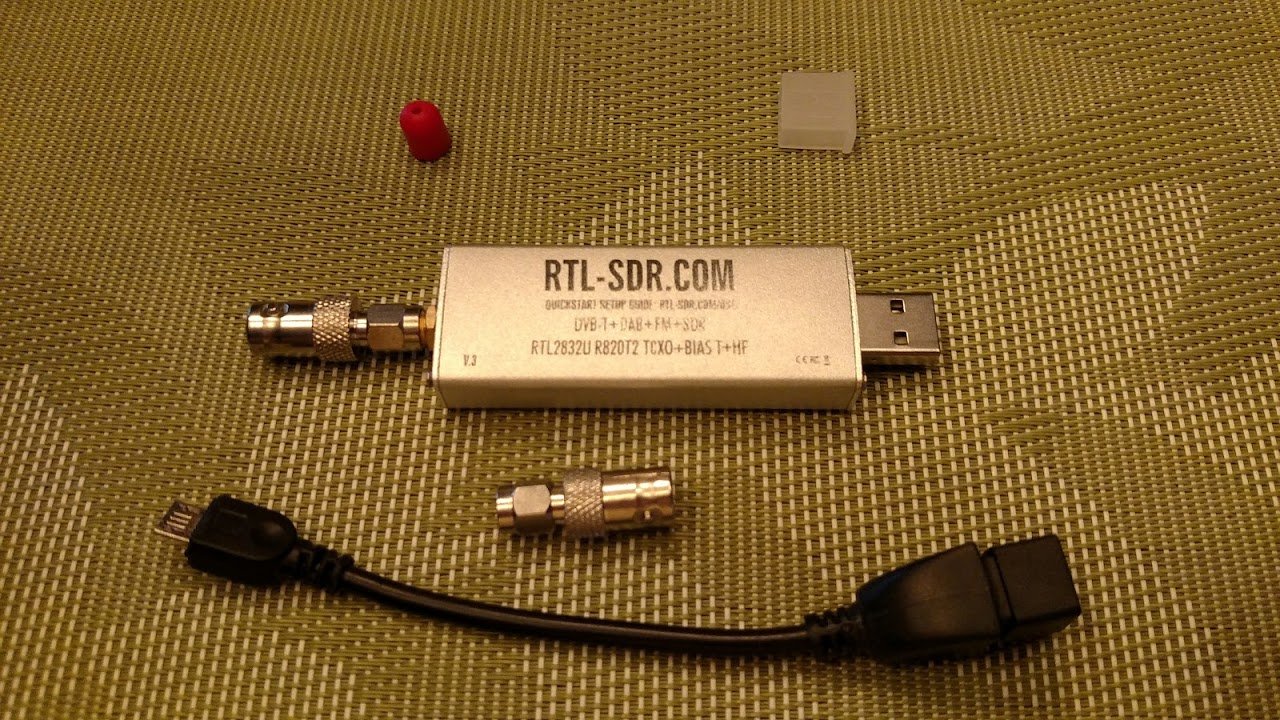
| SDR Receiver | Airspy Mini / RTL-SDR Blog V3 | 16-bit ADC (Airspy) or built-in TCXO (RTL-SDR) |
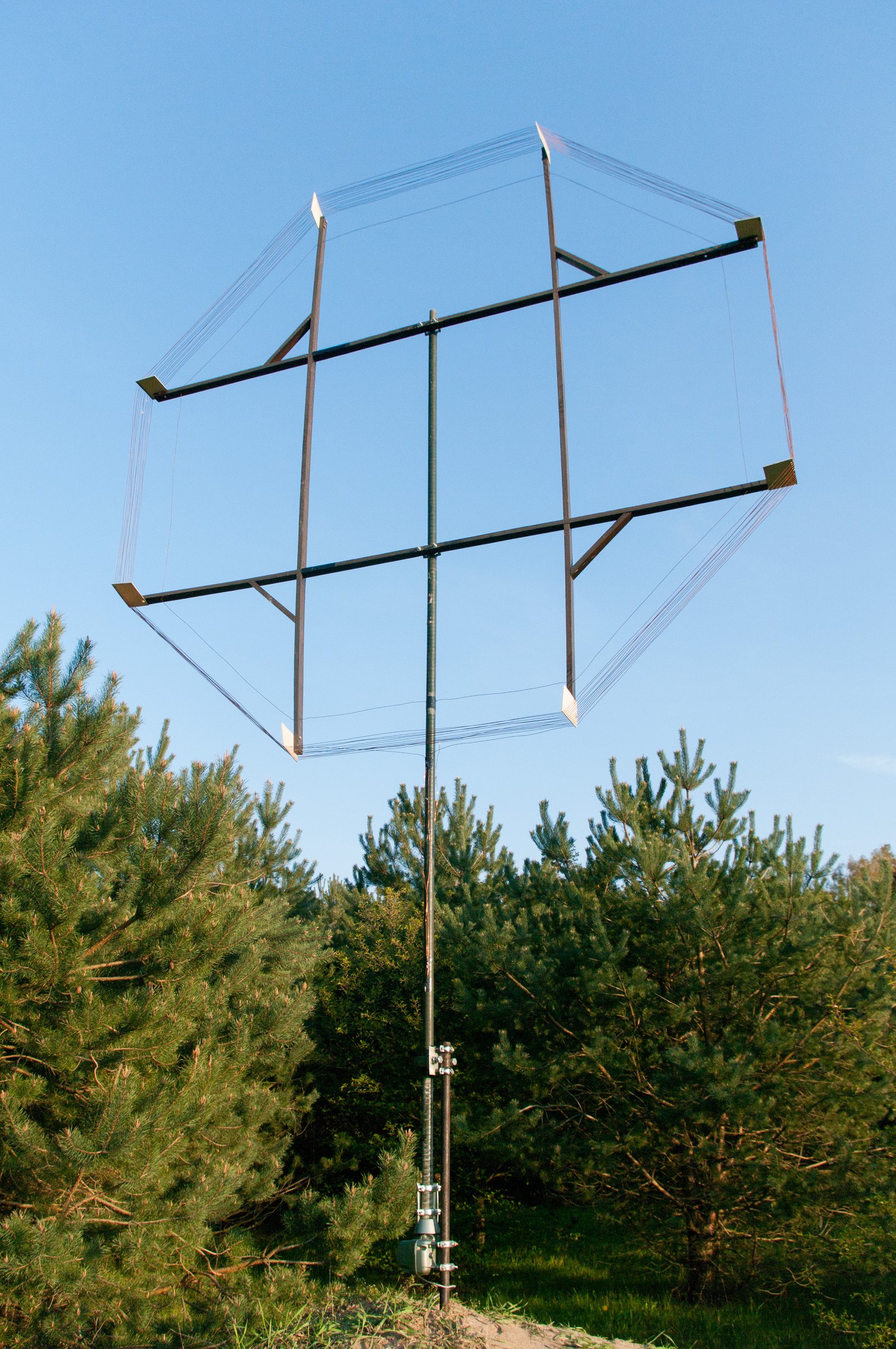
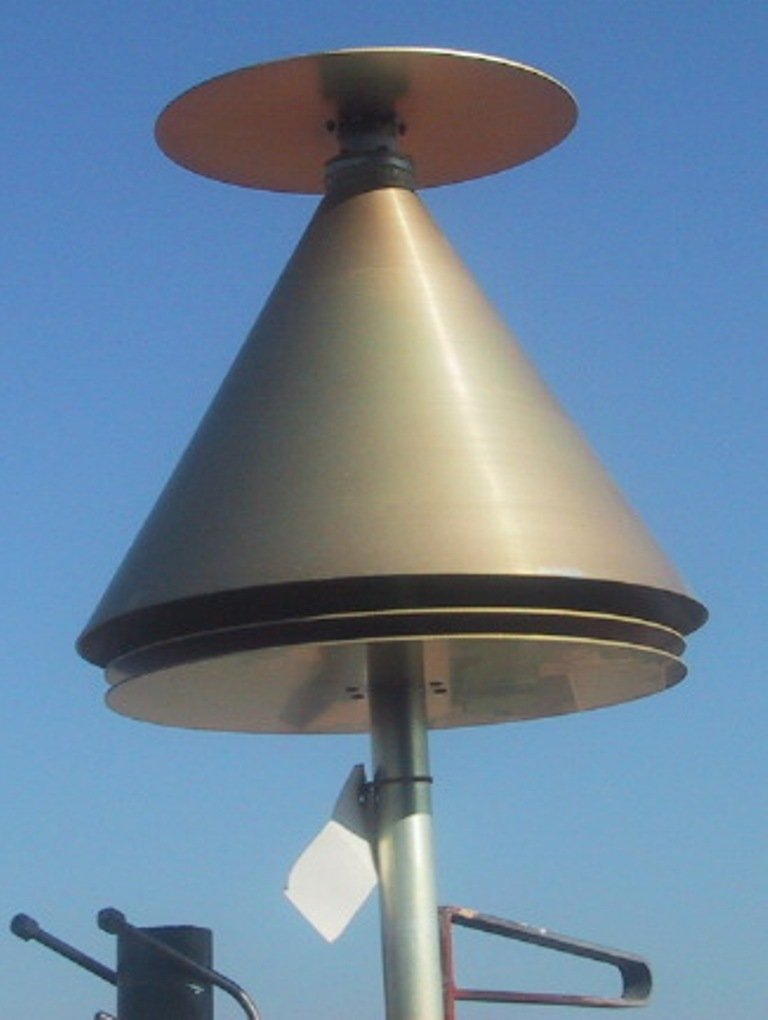
| VHF Antenna | Vertical dipole / Discone / J-Pole | Optimized to resonate at 136.975 MHz |
| Coaxial Cable | HPAATEC / RG-213 / LMR-400 | Low attenuation for runs exceeding 10m |
| RF Filter (Optional) | SAW Bandpass Filter 137 MHz | Rejection of commercial FM interference (88-108 MHz) |
Software Configuration and Decoding with dumpvdl2
Once the SDR receiver is connected to your computer (such as a Raspberry Pi 4 or Linux mini PC), the absolute standard reference software for decoding VDL2 frames is dumpvdl2, developed by Tomasz Lemiech (szpajder). The program natively supports drivers like SoapySDR, rtl_sdr, and airspy.
[2023-10-24 14:22:10.115] [vdl2] [I] freq: 136.975000 MHz, power: -24.5 dBFS, snr: 18.2 dB
[2023-10-24 14:22:10.230] [vdl2] [I] AVLC frame: src_addr: 4CA212 (A320, Lufthansa, D-AIZQ), dst_addr: 440003 (EDGG ACC)
[2023-10-24 14:22:10.231] [vdl2] [I] XID response: station capabilities: Ground Station, max_I_field: 1024 bytes
[2023-10-24 14:22:10.450] [vdl2] [I] AVLC frame: src_addr: 4CA212, dst_addr: 440003, cmd: UI
[2023-10-24 14:22:10.451] [vdl2] [I] CPDLC message: CLRDAT - ATIS RECEIVED / WAYPOINT DIRECT TO [ULQ]
To start live capture on Linux using rtl_sdr as a source, a typical command is:
rtl_sdr -f 136975000 -g 42 -s 2500000 - | dumpvdl2 --rtlsdr 0 -Join our community of feeders and enthusiasts by checking out the ADSBItalia Feeder Guide and monitor live aggregated data on our Live Radar Map map.adsbitalia.it.